
Step 01
Step 01
Open Connect
Run the desktop app and open Connect to get the WebSocket URL.
Podcasts, sets, and interviews—wide, tight, or side angles without a broadcast truck.
Mephonecast is the desktop control app; Phonecap runs in the NE app. Pair up to four phones, control the session from desktop, and record separate, time-aligned video and audio per angle.
Capture, control, and file handling—each block is one of those roles.
Phonecap is a feature inside the Nolimits Evolution app that records camera + mic on each phone. Add wide, tight, or side coverage using devices you already own.
Mephonecast desktop controls transport (start/pause/stop), previews feeds, sets markers, and pulls clips when the take is done.
Each phone records locally, so temporary Wi-Fi instability does not ruin the take. Optional subscriber cloud adds extra storage capacity.
You get separate video and audio sources with shared timing, grouped by project. Recordings stay on each phone until you transfer them; optional subscriber cloud adds storage when you need more capacity than your devices alone. Mephonecast is built for capture and handoff; anything after transfer is your call.
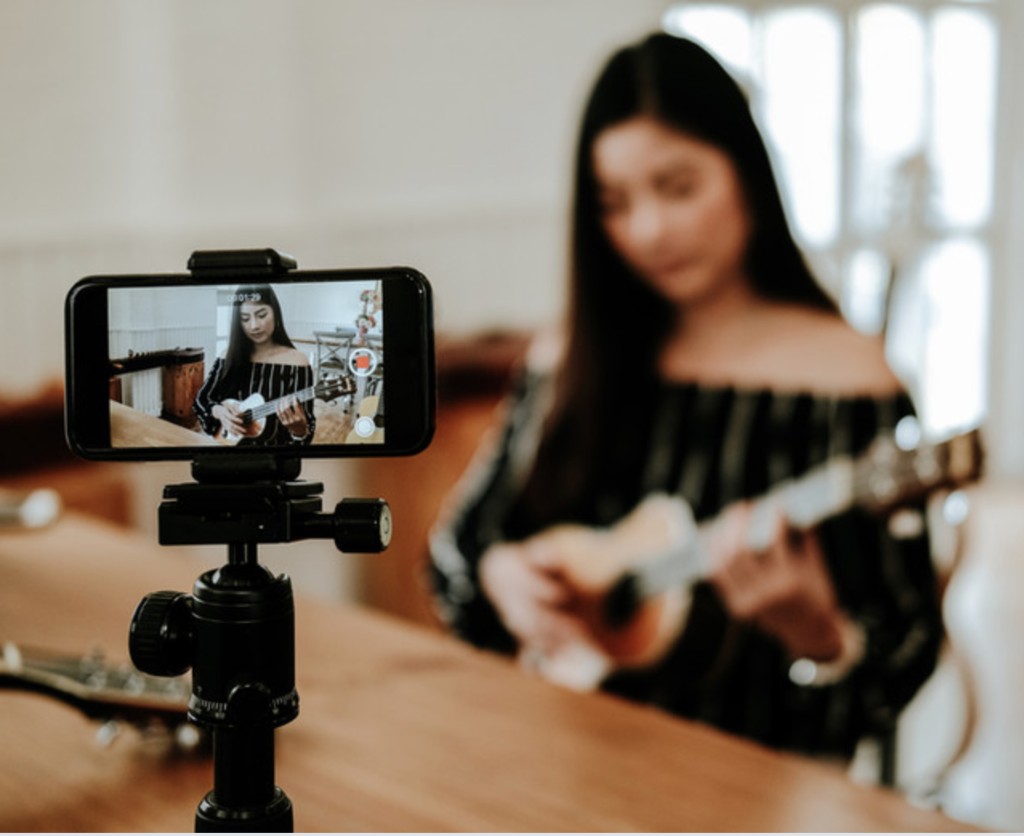
Built for creators who need more angles—not more crew.
Podcasts & interviews
Multi-cam coverage without a broadcast truck—wide, tight, and side angles from phones you already own.
Live & performance
Rooms, sets, and collabs where one camera cannot carry the whole story.
Solo & small teams
Creators who need professional angles without hiring a full crew for every shoot.
Lean studios
Budget-conscious workflows that still need time-aligned masters and less sync work in post.
Four steps from desktop pairing to multi-angle capture.
Step 01
Run the desktop app and open Connect to get the WebSocket URL.
Step 02
Open the Phonecap feature in the Nolimits Evolution app, then scan the QR code from Mephonecast desktop.
Step 03
Ensure phone and desktop are on the same network.
Step 04
Start from desktop; Phonecap records locally on each phone. Pull files when you wrap, or use subscriber cloud for extra space.